Cybersecurity Checklist: Essential Steps to Protect Your Digital Information
Protect your digital assets with this complete cybersecurity checklist. Learn essential security practices, including strong passwords, MFA, software updates, data backups, and threat prevention tips to stay safe online.
Author
Admin
Published
July 23, 2026
Read Time
5 min read

In an increasingly connected world, cybersecurity has become a critical concern for individuals, businesses, and organizations. Cyber threats such as phishing attacks, malware, data breaches, and unauthorized access can cause serious financial and reputational damage. A strong cybersecurity approach helps protect sensitive information, secure digital systems, and reduce the risk of online attacks.
A cybersecurity checklist provides a practical way to review important security measures and ensure that your devices, accounts, and networks are properly protected. In the daily mixa you give the guide line about a short business or a long business and we will fully try to that provide exact and commerical experiences guidence.
1. Use Strong and Unique Passwords

Passwords are the first line of defense against unauthorized access. Weak or reused passwords make it easier for attackers to compromise accounts.
Follow these password practices:
Create long passwords with a combination of letters, numbers, and special characters.
Avoid using easily guessed information such as names, birthdays, or common words.
Use a different password for every account.
Consider using a trusted password manager to store and manage passwords securely.
Strong passwords significantly reduce the chances of account compromise.
2. Enable Multi-Factor Authentication (MFA)

Multi-factor authentication adds an extra layer of security by requiring additional verification beyond a password. This may include a fingerprint, authentication app code, or security key.
Even if a password is stolen, MFA can prevent attackers from gaining access to your accounts.
Enable MFA on important services such as:
Email accounts
Banking platforms
Business applications
Cloud storage services
Social media accounts
3. Keep Software and Systems Updated
Cybercriminals often exploit security weaknesses in outdated software. Regular updates include important security patches that fix known vulnerabilities.
Make sure to update:
Operating systems
Web browsers
Mobile applications
Antivirus programs
Business software
Turning on automatic updates can help ensure your devices remain protected.
4. Install Reliable Security Software
Security software helps detect and prevent various types of cyber threats. Use reputable antivirus and anti-malware solutions to protect your devices.
A good security program can help identify:
Malicious files
Suspicious activities
Harmful downloads
Unauthorized access attempts
Keep security tools updated for the best protection.
5. Secure Your Wi-Fi Network
An unsecured network can provide attackers with an opportunity to access connected devices and sensitive information.
Improve Wi-Fi security by using these different strategies.
Changing the default router password.
Using strong Wi-Fi encryption.
Creating a separate network for guests.
Updating router firmware regularly.
Avoiding sensitive activities on public Wi-Fi without protection.
A secure network creates a safer digital environment.
6. Be Careful with Emails and Links
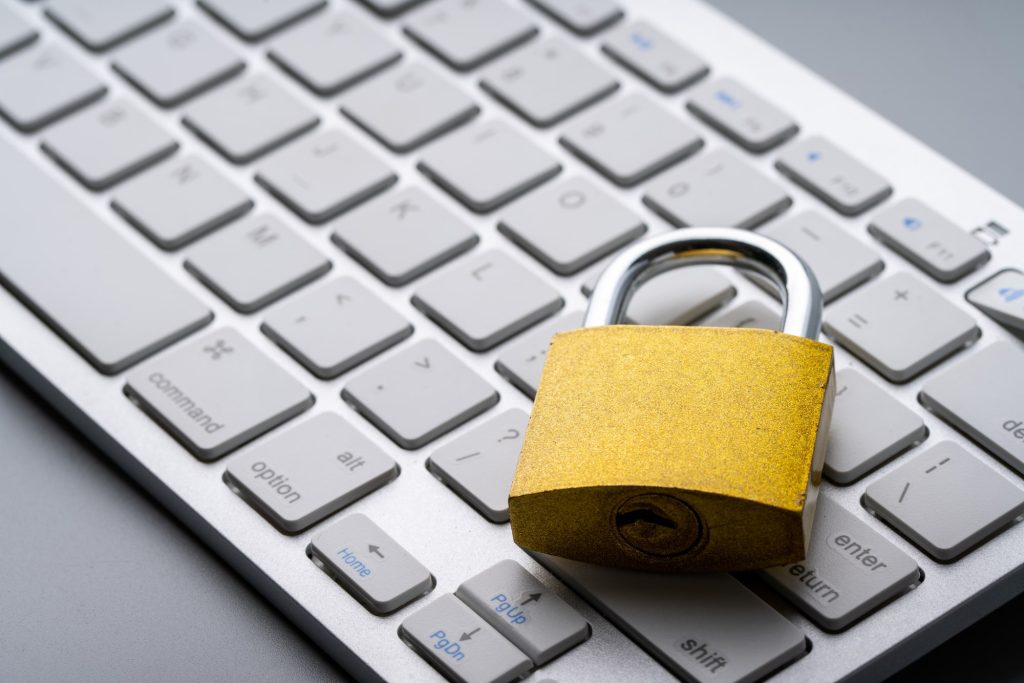
Phishing attacks are among the most common cybersecurity threats. Attackers often send fake emails designed to steal passwords, financial information, or personal data.
Before clicking any link or attachment:
Check the sender's email address carefully.
Avoid opening unexpected attachments.
Do not share confidential information through email.
Verify suspicious requests before taking action.
Awareness is one of the strongest defenses against phishing.
7. Back Up Important Data Regularly
Data loss can happen due to cyberattacks, hardware failures, or accidental deletion. Regular backups ensure that important information can be recovered.
Follow the backup rule:
Keep multiple copies of important files.
Store backups in separate locations.
Test backups regularly to confirm they work.
Important data may include documents, customer records, financial files, and business information.
8. Protect Mobile Devices
Smartphones and tablets store large amounts of personal and business information. They should be protected just like computers.
Mobile security practices include:
Use screen locks or biometric protection.
Install apps only from trusted sources.
Keep mobile software updated.
Avoid connecting to unknown networks.
Enable device tracking features.
9. Control User Access
For businesses, limiting access to sensitive information is essential. Employees should only have access to the data and systems required for their roles.
Implement:
Separate user accounts.
Permission-based access.
Regular access reviews.
Immediate removal of access for former employees.
Proper access management reduces the risk of internal and external threats.
10. Educate Employees About Cybersecurity
Human error is a major factor in many security incidents. Regular cybersecurity training helps employees recognize and respond to threats.
Training should cover:
Identifying phishing emails.
Creating secure passwords.
Handling sensitive information.
Reporting suspicious activities.
Safe internet practices.
A security-aware team strengthens the overall protection of an organization.
11. Monitor Accounts and Devices
Regular monitoring helps identify unusual activity before it becomes a serious problem.
Check for:
Unknown login attempts.
Suspicious account changes.
Unusual network activity.
Unauthorized software installations.
Early detection can reduce the impact of a cyberattack.
12. Create an Incident Response Plan
Even with strong security measures, no system is completely risk-free. A response plan helps organizations act quickly when a security incident occurs.
An effective plan should include:
Steps for identifying threats.
Contact information for responsible team members.
Data recovery procedures.
Communication strategies.
Methods for preventing future incidents.
Preparation helps minimize downtime and damage.
13. Review Security Practices Regularly
Cybersecurity is an ongoing process, not a one-time task. New threats appear constantly, so security measures should be reviewed and improved regularly.
Schedule periodic checks of:
Password policies
Software updates
Backup systems
Access permissions
Security settings
Regular reviews keep your protection strategy effective.
Conclusion
A cybersecurity checklist provides a simple but effective way to strengthen digital protection. By using strong passwords, enabling multi-factor authentication, updating software, securing networks, protecting data, and educating users, individuals and businesses can reduce cybersecurity risks.
Building good security habits today can prevent costly problems in the future. Cybersecurity requires continuous attention, but small steps taken consistently can create a safer and more secure digital environment


